Your practice has backups. Have you ever restored a chart?
Picture a Monday morning. The server doesn't come up, the first patients are already in the waiting room, and everyone in the building is sure the practice has backups.
The question nobody has asked yet is whether anyone has ever brought a chart back from those backups, opened it in your practice software, and checked that the x-rays were still attached. That is the difference between having backups and being able to open on time.
Why dental backups are harder than they look
In most small offices, "backup" means some shared files and maybe a server. A dental practice has more moving parts, and the extra parts are where backups quietly go wrong.
There are at least two things to protect. One is the practice management database (Dentrix, Eaglesoft, Open Dental or similar), which holds the schedule, charting, ledgers and treatment plans. The other is imaging: the sensor software, the pano or CBCT library, the intraoral scanner files. Imaging is usually large, often lives on a different drive or a different computer, and is linked to the database rather than stored inside it. A backup that gets one and misses the other looks perfectly healthy until the day you need it.
How they fail without anyone noticing
These are the patterns we see most when we take over a practice's systems.
The imaging drive was never included. Someone set up the backup years ago for the database and shared folders, and the imaging volume was added later or lives on its own machine. The nightly report has been green the whole time.
The database was copied while it was open. Practice software writes to its database all day. Copying it without the right preparation can produce a file that copies fine and then won't open.
The vendor's backup covers less than you think. Some software vendors include a backup or hosted option, which is useful. It is often limited to the practice management data, not your imaging, documents or the workstation running specialty software.
The backup lives in the building, or on the server it protects. A drive under the front desk helps with a dead hard drive and not much else. Ransomware encrypts it along with everything else. One practice on this year's list of dental breaches, Tampa Bay Dental Implants & Periodontics, reported a ransomware attack on an internal server that held backups of its electronic records.
Nobody is watching the alerts. Failure emails go to an old address or to someone who left, and silence gets read as "everything's fine."
What a real restore test looks like
You don't have to close the office to test this.
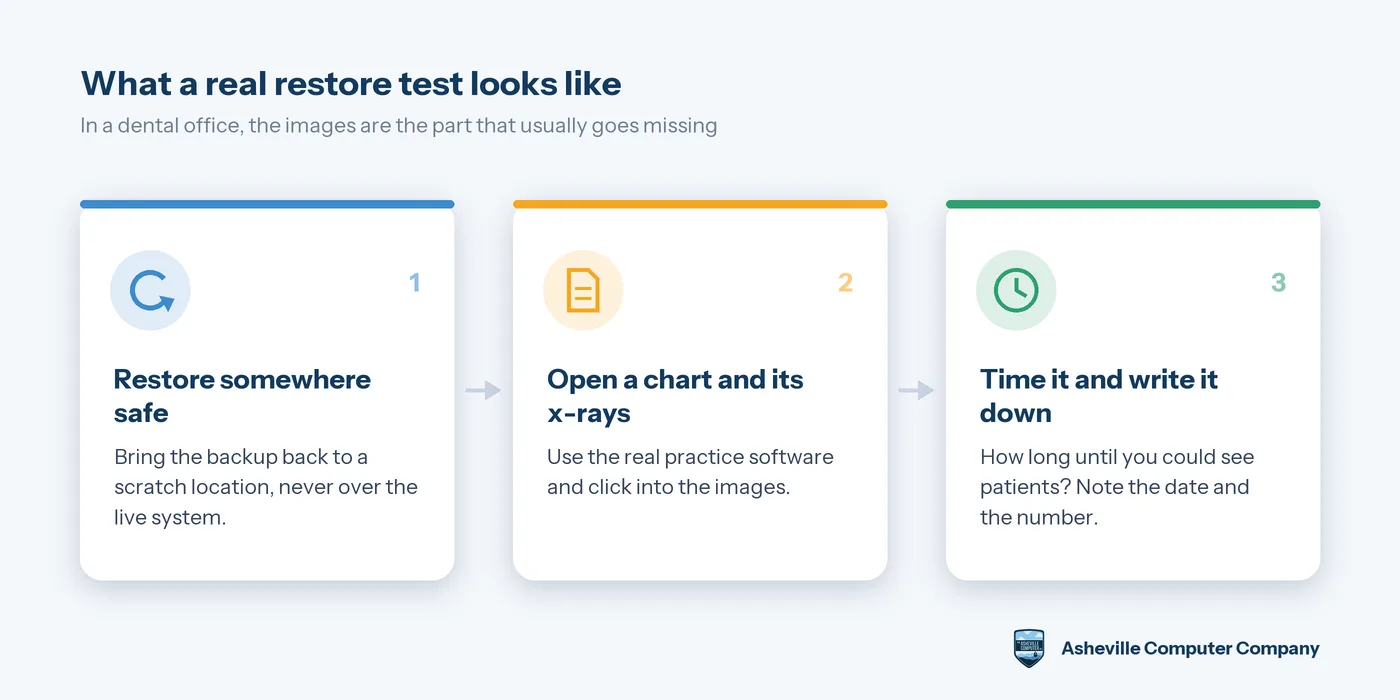
- Restore to a scratch location, not over the live system. You are proving the copy is good, not replacing anything.
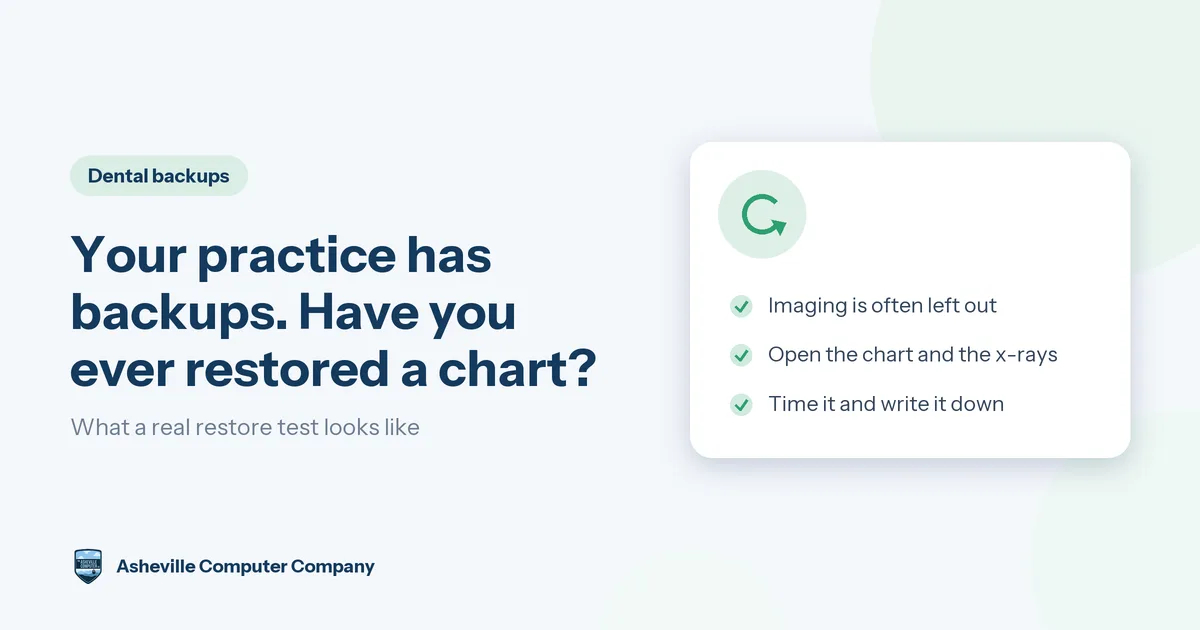
- Open the restored data in the actual practice software and pull up a patient chart.
- Click into that patient's radiographs and photos and make sure they load. This one step catches the most common dental backup failure: a database that restores perfectly while pointing at images that were never backed up.
- Time the whole thing, then think honestly about what a full server restore would mean on a working day.
Do it at least once a year and after any big change: a new server, new sensors, a software upgrade, an office move. Those are the moments when backup coverage drifts. Schedule it like any other disruptive job, after hours or on a lighter day.
The number that matters
Ask your IT provider one question: if the server died this morning, how long until we could see patients again?
A useful answer has a number in it and a date when that number was last proven. A confident guess isn't the same thing.
This question may also come up in compliance conversations. The proposed update to the HIPAA Security Rule, which has not been finalized, would require written procedures to restore critical systems and data within 72 hours of a loss. Whatever happens with that rule, it is a reasonable target to measure your practice against.
Compliance, without the legal advice
Backups that are encrypted, kept out of reach of your office network, limited to the right people and tested on a schedule all support your HIPAA efforts. A short written record of each restore test is the kind of documentation that gets asked for in a security review or an insurance renewal.
We are an IT company, not your compliance counsel, so we won't tell you what a regulation requires of your practice specifically. That conversation belongs with your compliance advisor or attorney. Our part is making sure the technical safeguards are in place and working, and giving you honest documentation of it.
Two questions to ask this week
"What exactly is being backed up, and does that include imaging?" Ask for a list of systems, not a yes.
"When did we last restore something, and how long did it take?" A date and a number means it happened. Anything vaguer means it probably hasn't.
If your software vendor handles part of the backup and your IT provider handles the rest, ask both, and make sure your imaging isn't sitting in the gap between them.
Final thoughts
A failing backup doesn't announce itself. The dashboard stays green for years, and the problem shows up on a morning with twenty patients on the schedule. The fix is a restore, done on purpose, with someone opening a chart and clicking into the images.
If you're not sure when your practice last proved its backups, or whether imaging is even included, we're glad to look and tell you plainly what we find. We support dental practices in Asheville, Arden, Fletcher, Hendersonville and across Western North Carolina, and we schedule this kind of work around your patients.